Get setup in a few steps
- 1
Install ceviant application
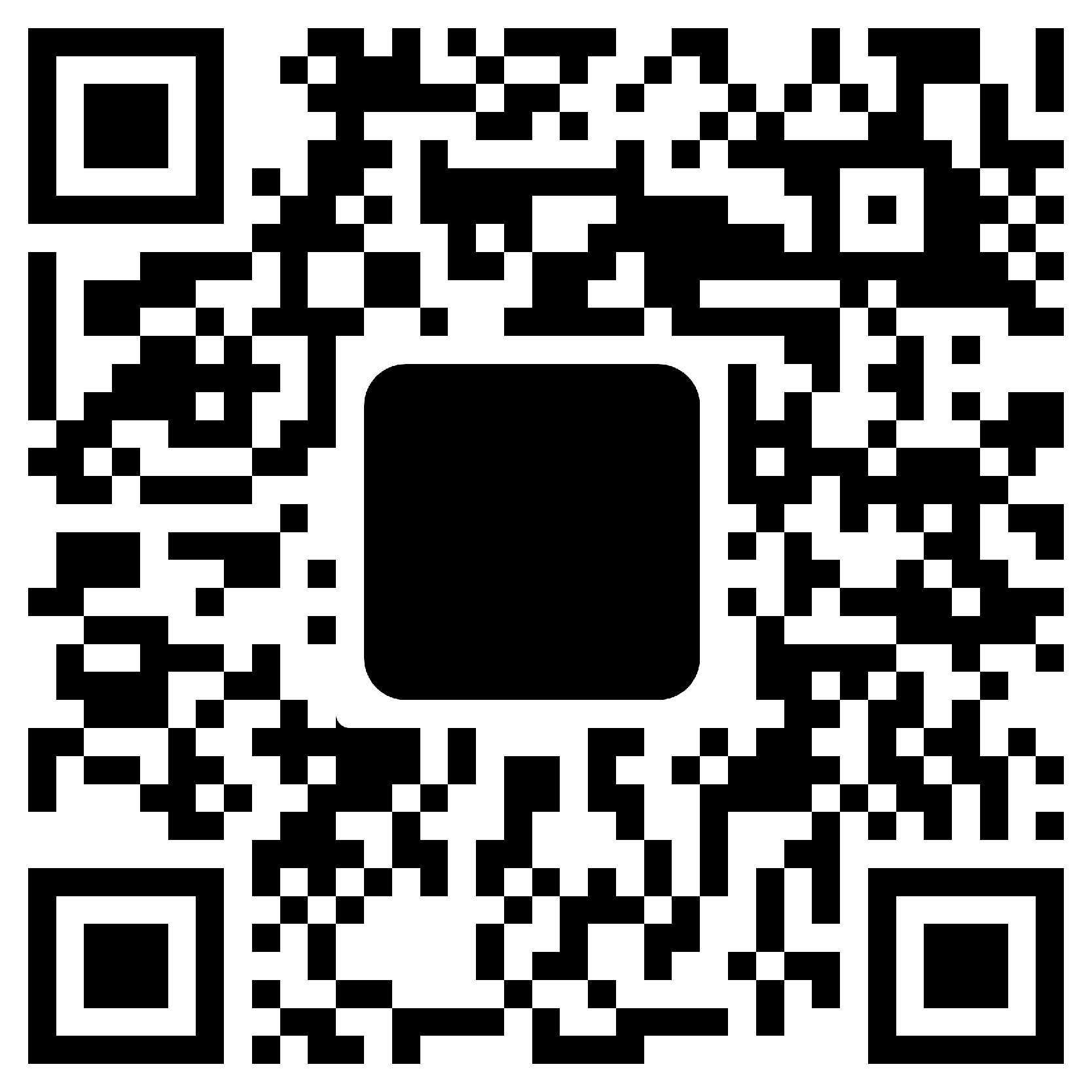
Scan the QR code or visit your app store to download.
- 2
Company Information
Provide your company's basic details, including name, industry, registration number, tax identification number and contact information.
- 3
Personal Information
Provide your details, contact information, BVN, NIN, and face verification.
- 4
Security Setup
Setup your password and PIN.
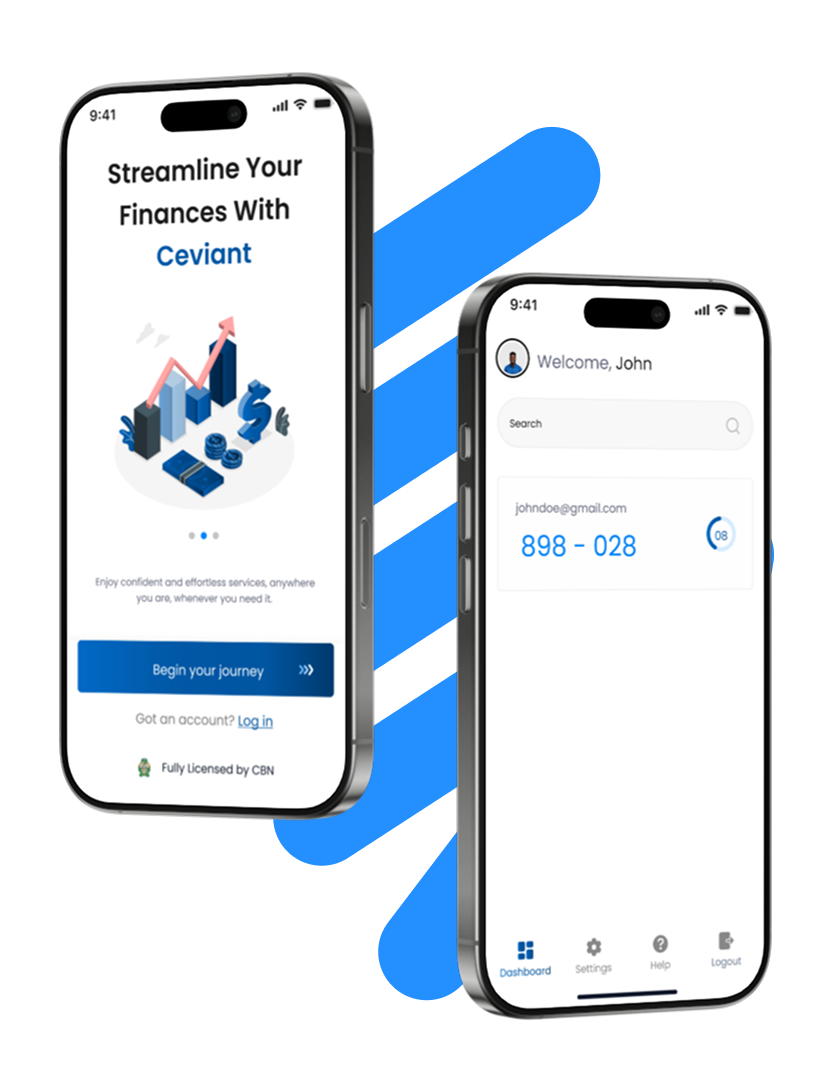
You can scan QR code or open your app store to download the Ceviant app.